


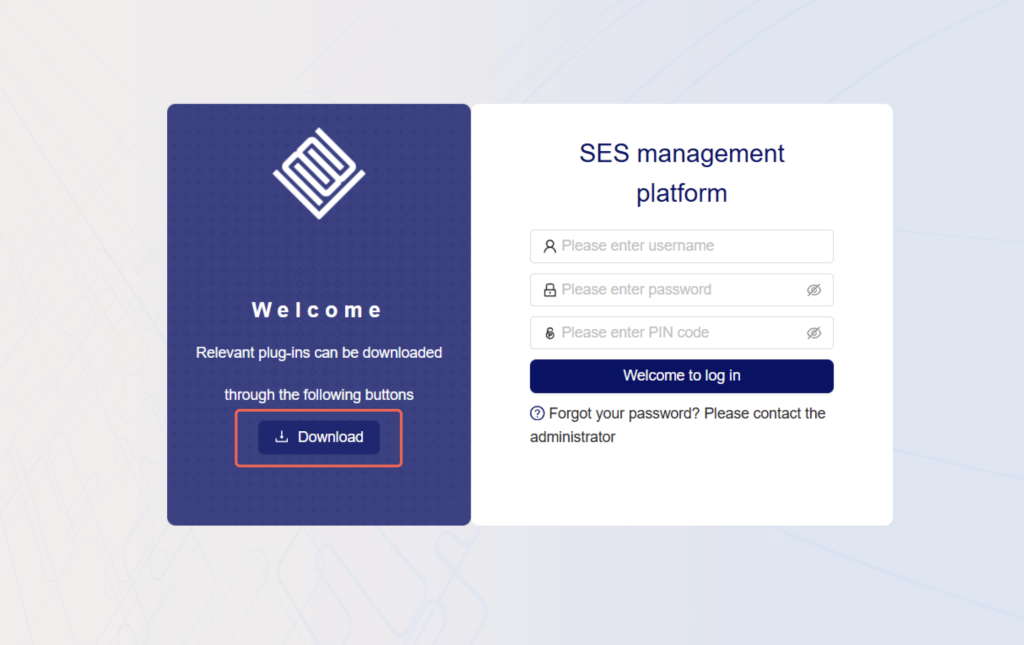
Where can I download the client?
1. Log in to the Digital Vault using the ip address on the Secure Shield box.
2. Click the download button on the left and right of the page.
3. Find the client that matches your computer system version.
4. Click to download
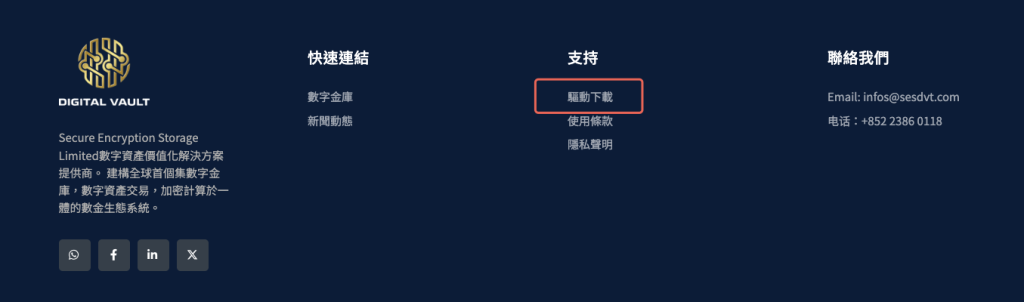
Where can I download the Secure Shield driver?
The shield requires a driver to be installed before it can be used.
Driving Address:
https://www.sesdvt.com/wp-content/uploads/2026/01/%E6%95%B8%E5%AD%97%E9%87%91%E5%BA%AB%E5%8A%A9%E6%89%8B.exe_.zip
You can also download the driver from "Support" - "Driver Download" at the bottom of the website.